Finish First – A Blender Project System

Build share finish.
a Blender creator community

OPENING May 1st

Join the Waitlist to get early access and launch updates

Includes 1 Starter Pack + Community preview

3D Blender lightstick render created in BlendCreate starter project

BlendCreate Lab helps beginners learn Blender through structured lessons, practical exercises, and creative challenges.

why you'll finish here

DON’T JUST LEARN BLENDER
BECOME A CREATOR

Build real projects, share your process, and develop a style that’s actually yours.

WE PUSH YOU TO FINISH

Clear steps, deadlines, and “ship” moments—so your projects don’t die at 70%.

MOTIVATION THROUGH PROCESS

Share progress, get reactions + feedback, and keep momentum—without burning out alone.

MAKE YOUR OWN STYLE (NOT A COPY)

You don’t just follow. You remix—with constraints + prompts that pull out your taste and identity.

Benefits

built to help you finish

Project-based lessons + structured assignments—so you don’t just learn Blender, you ship real work.
STARTER PACK THAT SPARK IDEAS

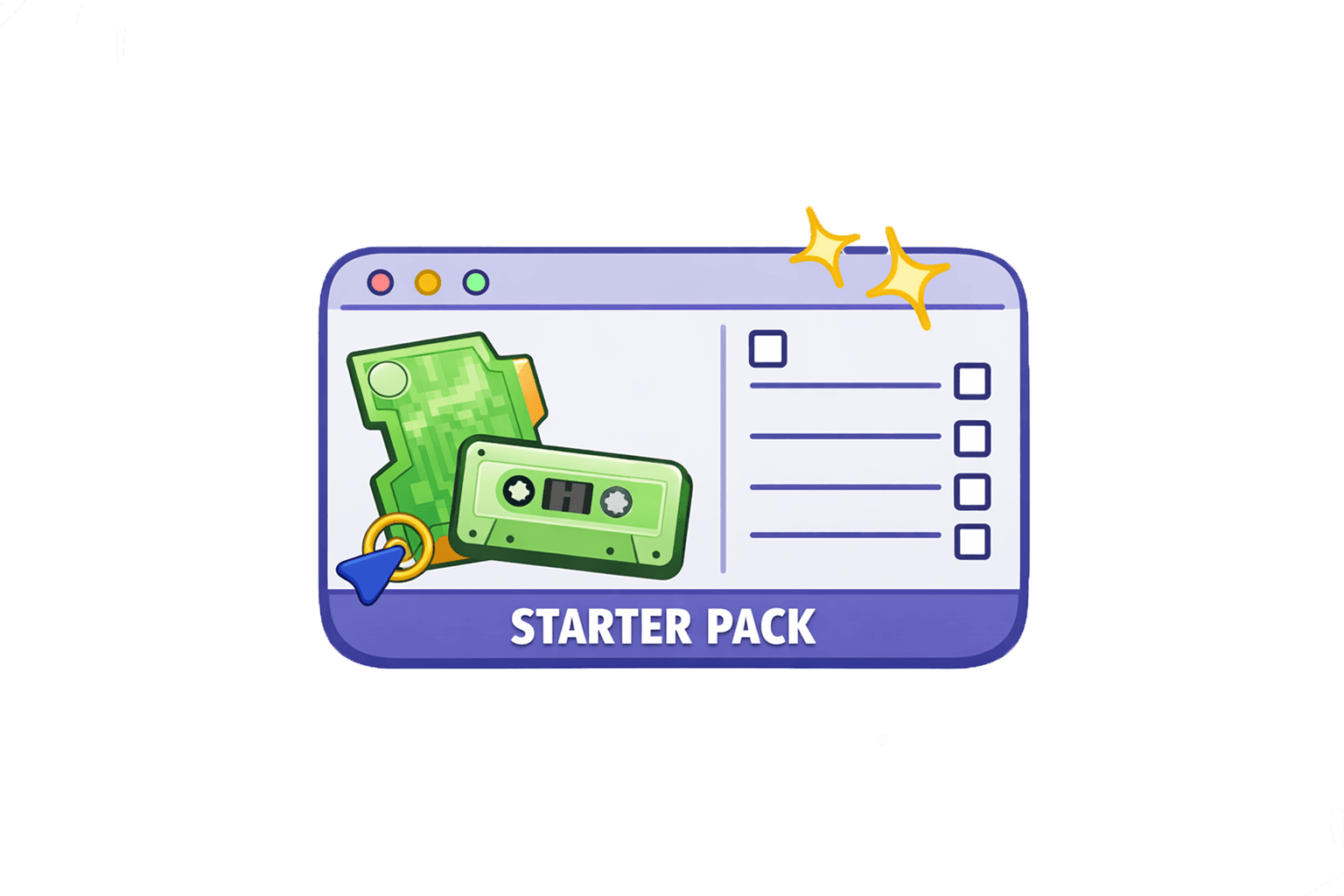
Ready-to-use .blend scenes so you can start fast, explore variations, and make it yours.

WATCH → PRACTICE → SHIP

Each course is built around a simple loop: watch the lesson, do the assignment, publish your result.

ASSIGNMENTS THAT KEEP YOU MOVING

Every course comes with clear tasks—so you always know what to do next (and what “done” looks like).

RUBRICS + CHECKLISTS (NO GUESSWORK)

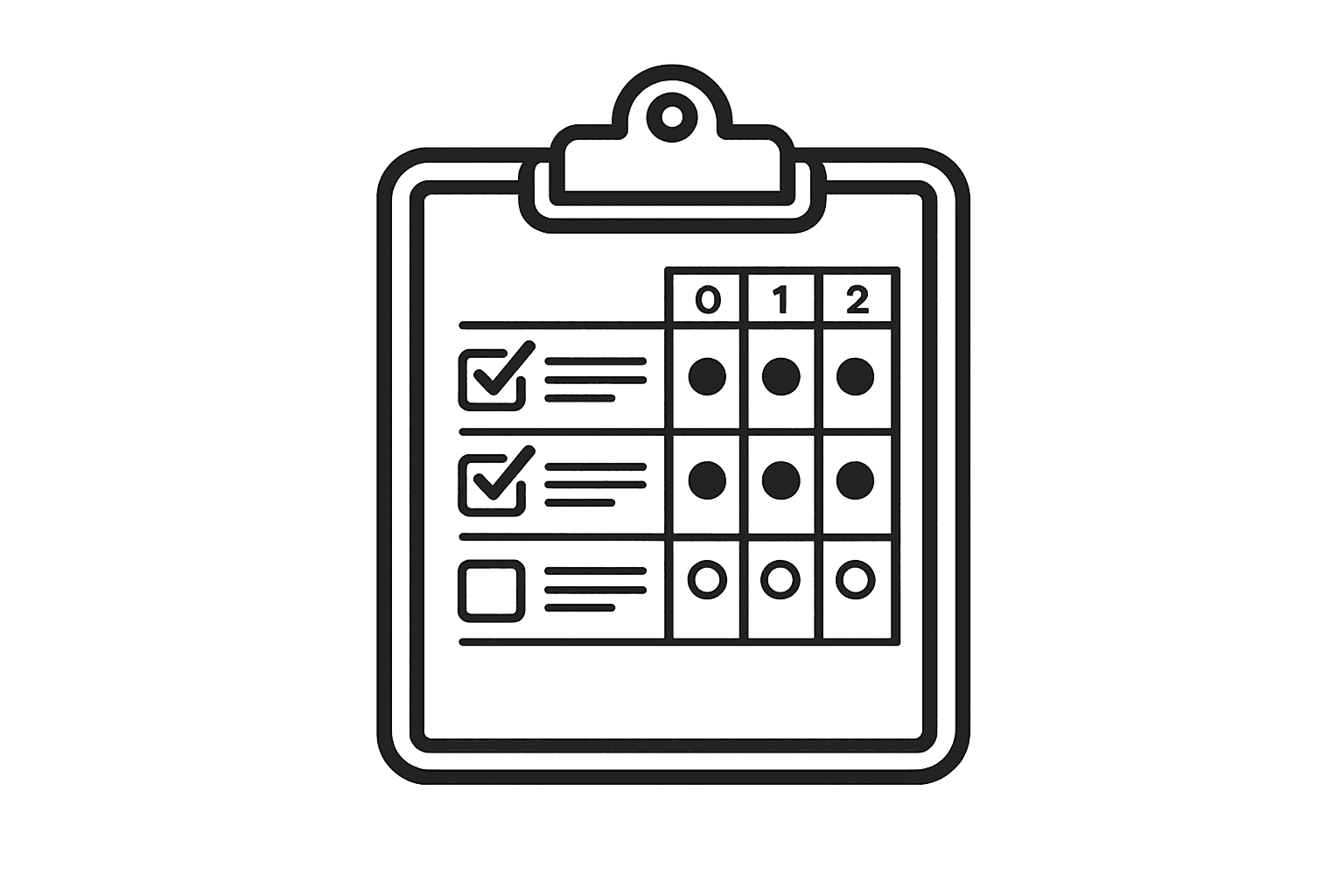
Quick checklists for each assignment—plus a simple rubric to help you self-review before you post.

SHOWCASES THAT BUILD MOMENTUM

Regular showcases that turn practice into a portfolio—one finished post at a time.

WEEKLY SHIPPING CHALLENGES

Pick one course assignment, finish it this week, and post your result. Small deadlines → real momentum.

WATCH The lesson

You don't just "study tools." You build a real scene and learn the key concepts along the way practical and memorable.

PRACTICE with checklist + rubric

Use a checklist to practice the exact workflow, then self-check with a rubric so you know what to improve before you post.

Share in the community (Feedback → ship)

Post your work-in-progress, get feedback, and ship your final render. The community keeps you moving until it’s finished.

WHAT you get

OPEN THE PACK. START CREATING

Download one Starter Pack, build a quick cover, then share it in Circle for feedback and weekly mini-challenges.

montly

yearly

Pricing

Choose your membership

Create something every week. Ship something every month.

creator

For creators who want to learn Blender and start building their own work through structured projects.

$59

/ mo

INCLUDES:

Access to all courses and future releases

Project-based lessons designed to help you build real work

Assignments for each module

Checklists and rubrics to guide your progress

Weekly Challenge — create something every week with the community

Community space to share work and progress

Creator+(Core Club)

For creators who want accountability and feedback to keep shipping real work.

$89

/ mo

INCLUDES:

Everything in Creator plus...

- Core Club accountability track

- Monthly project shipping (finish and publish a project every month)

- Monthly mini drops + quarterly showcases

- Public shipping culture that keeps you creating

Faq

Common questions answered clearly

Everything you need to know before downloading or joining.

What is BlendCreate?

What’s the difference between Courses and the Free Starter Pack?

Who is this for?

Do I need any paid software?

How does the membership work?

What resources are included?

Can I post my assignment results?

Not sure what to do next?