
FREE BLENDER PLAYGROUND PACK
Pick a mood, swap a few props, and ship your first cover.
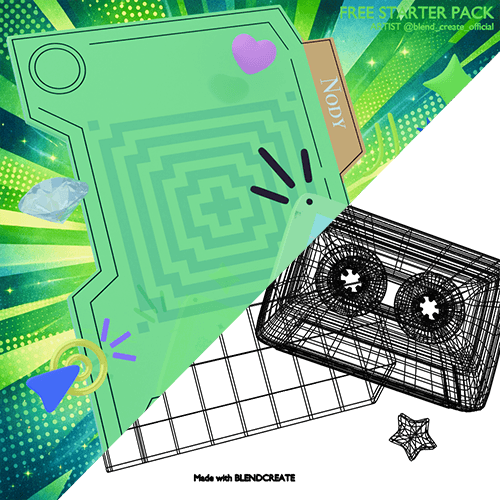
These projects are created using Blender and the BlendCreate Starter Pack.
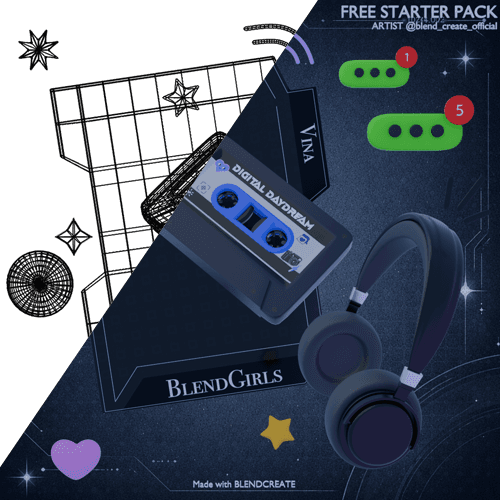
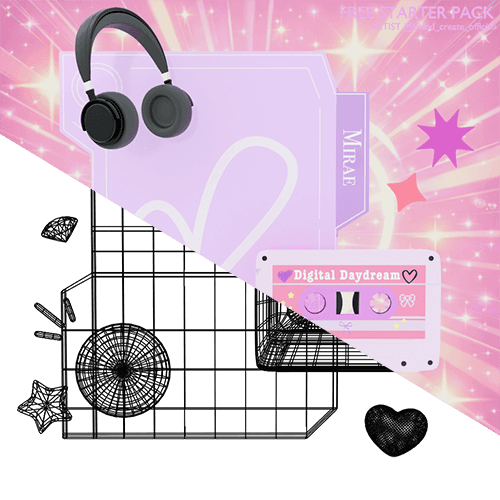
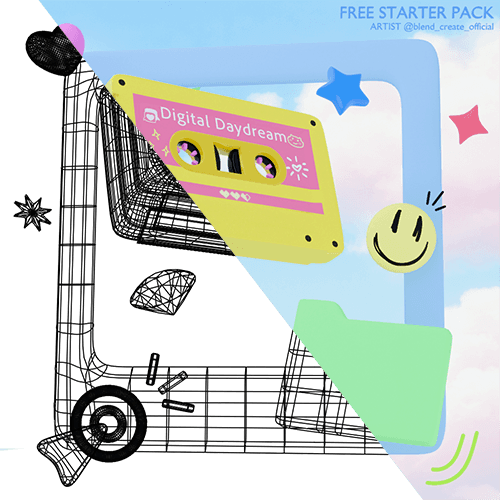
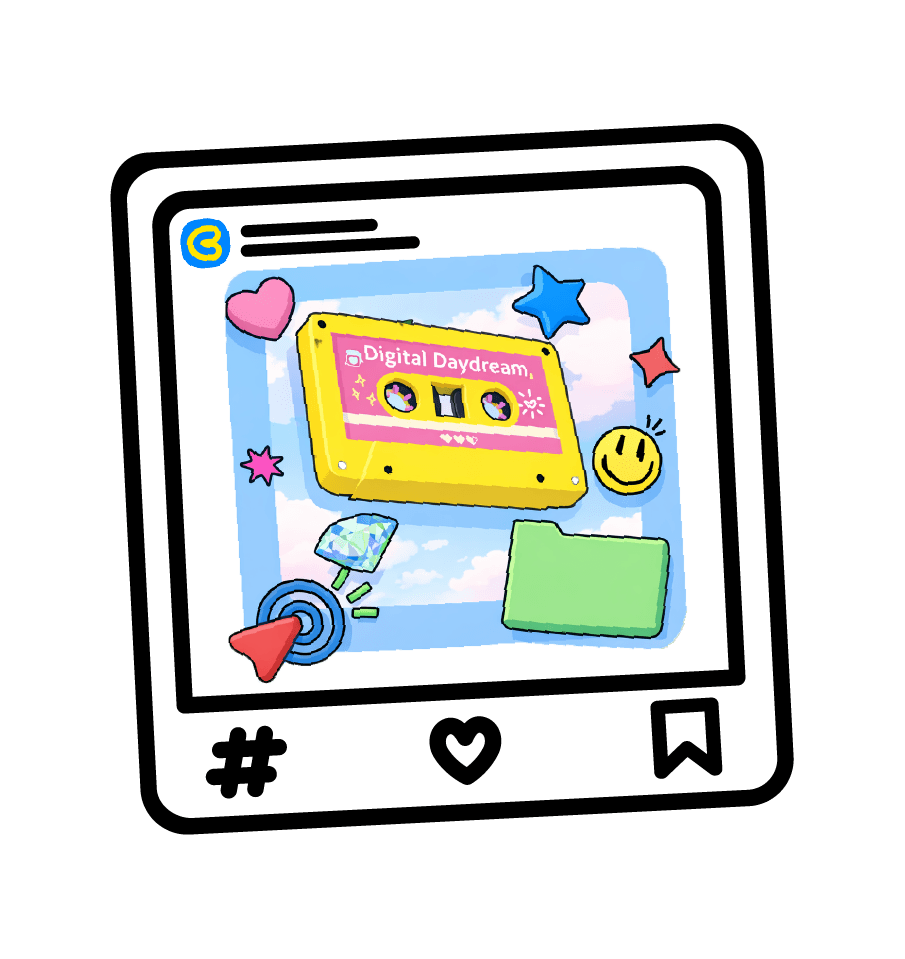
What's inside
Everything you need to finish your first cover fast.
Starter Scene
•BC_Free_Starter_Pack.blend •A ready-to-render scene with props, text ID, moods, lights, and camera presets.
HDRI Pack (5)
•ferndale_studio_02_4k.exr •ferndale_studio_12_4k.exr •rustig_koppie_puresky_4k.exr •sunny_rose_garden_4k.exr •wooden_studio_10_4k.exr •Swap lighting instantly and rotate for a new vibe.
Backgrounds & Textures
•BG_Black.png / BG_Blue.png / BG_Green.png / BG_Pink.png / BG_Pink2.png / BG_Sky.png / BG_Yellow.png •Use them in the compositor to switch backgrounds fast.
Prop Decals (PNG)
•PROP_DEC_SmileyBadge_01.png •PROP_PANEL_Silhouette_01–04.png •PROP_RETRO_CassetteBody_01–04.png •PROP_UI_NotifyDot_01–02.png •Quick stickers + silhouettes + cassette skins to personalize your cover.
Four tiny edits that change everything
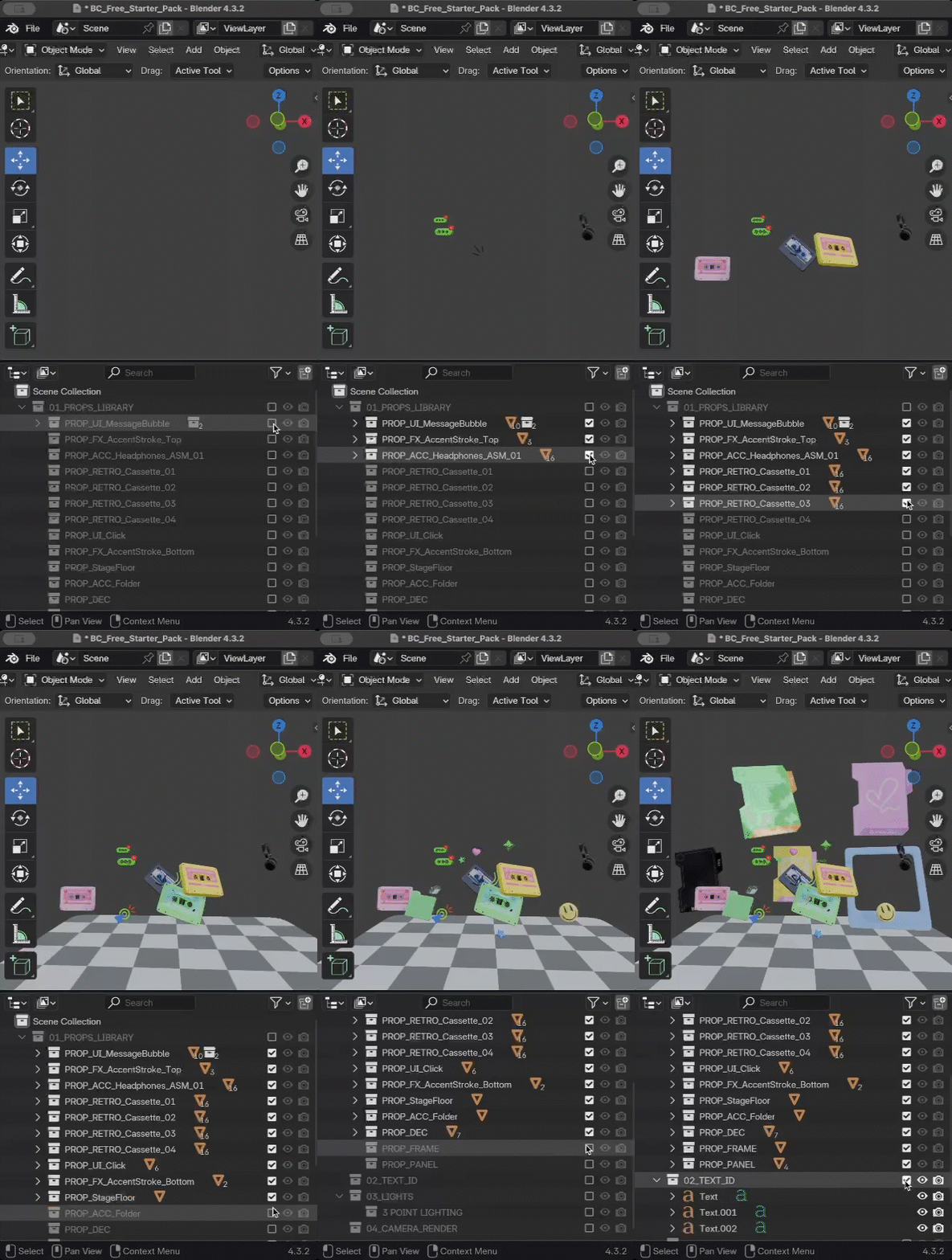

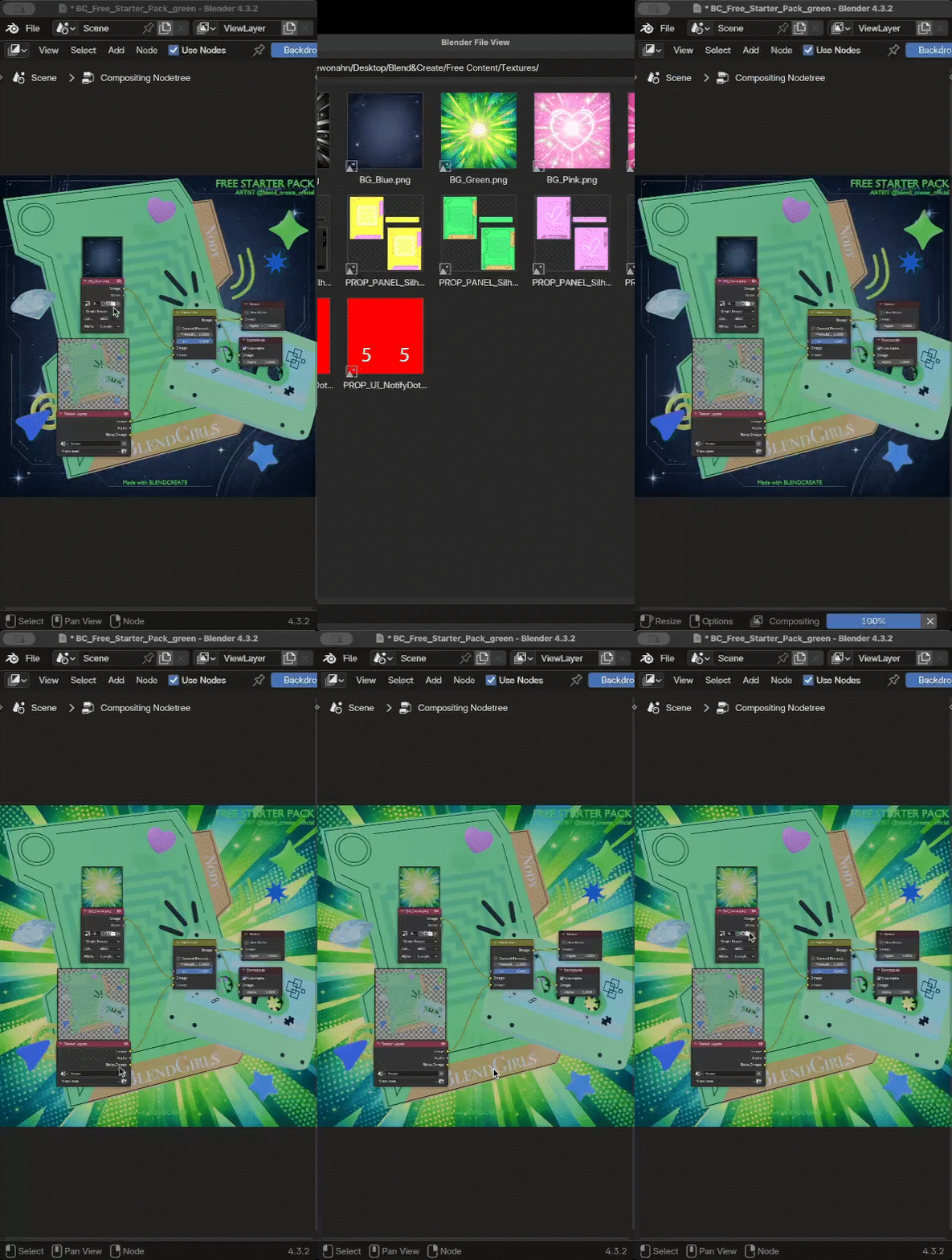
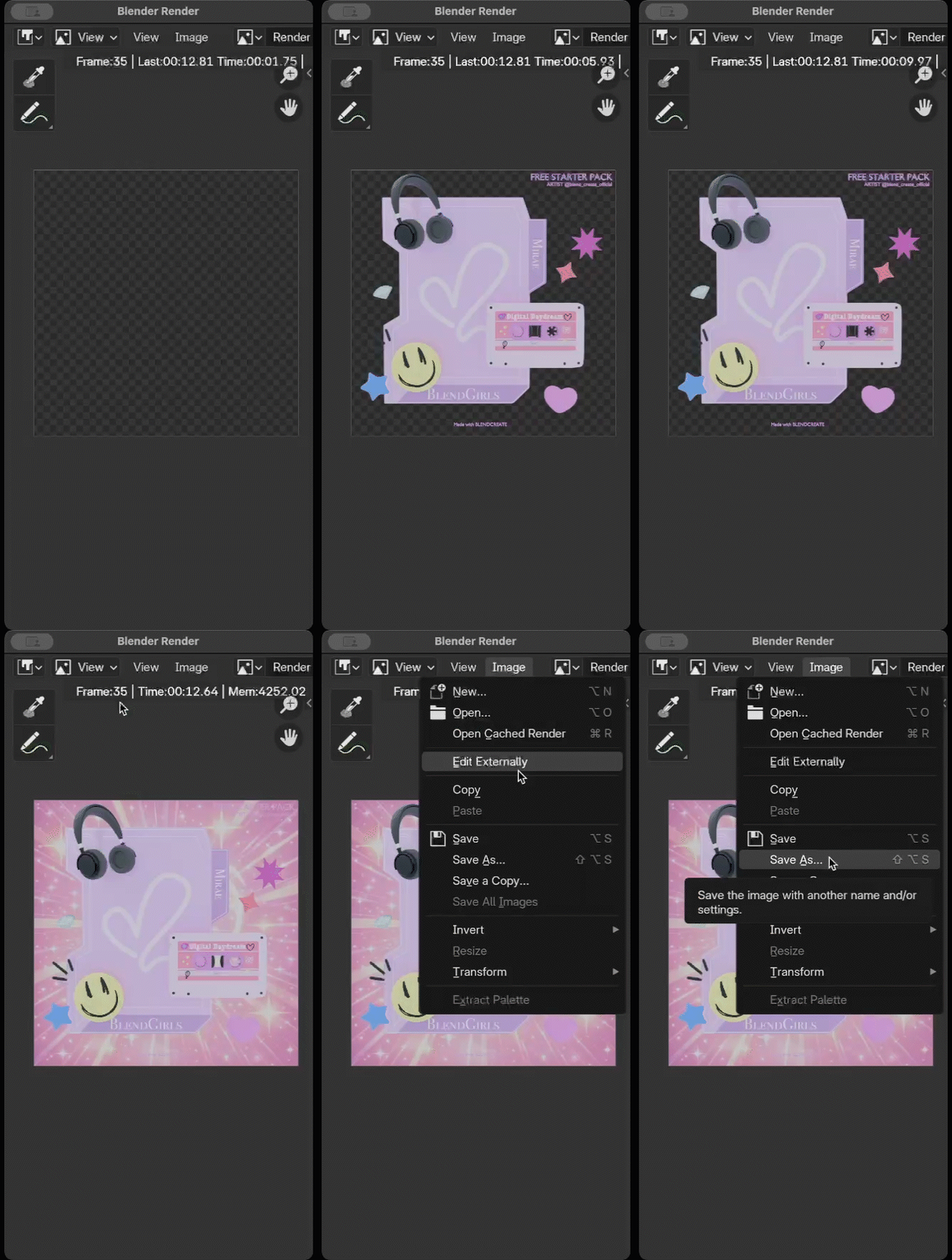
Compositing →
swap BG
Swap Background
Image > Save As